





How to Protect Yourself from WiFi Hijacking

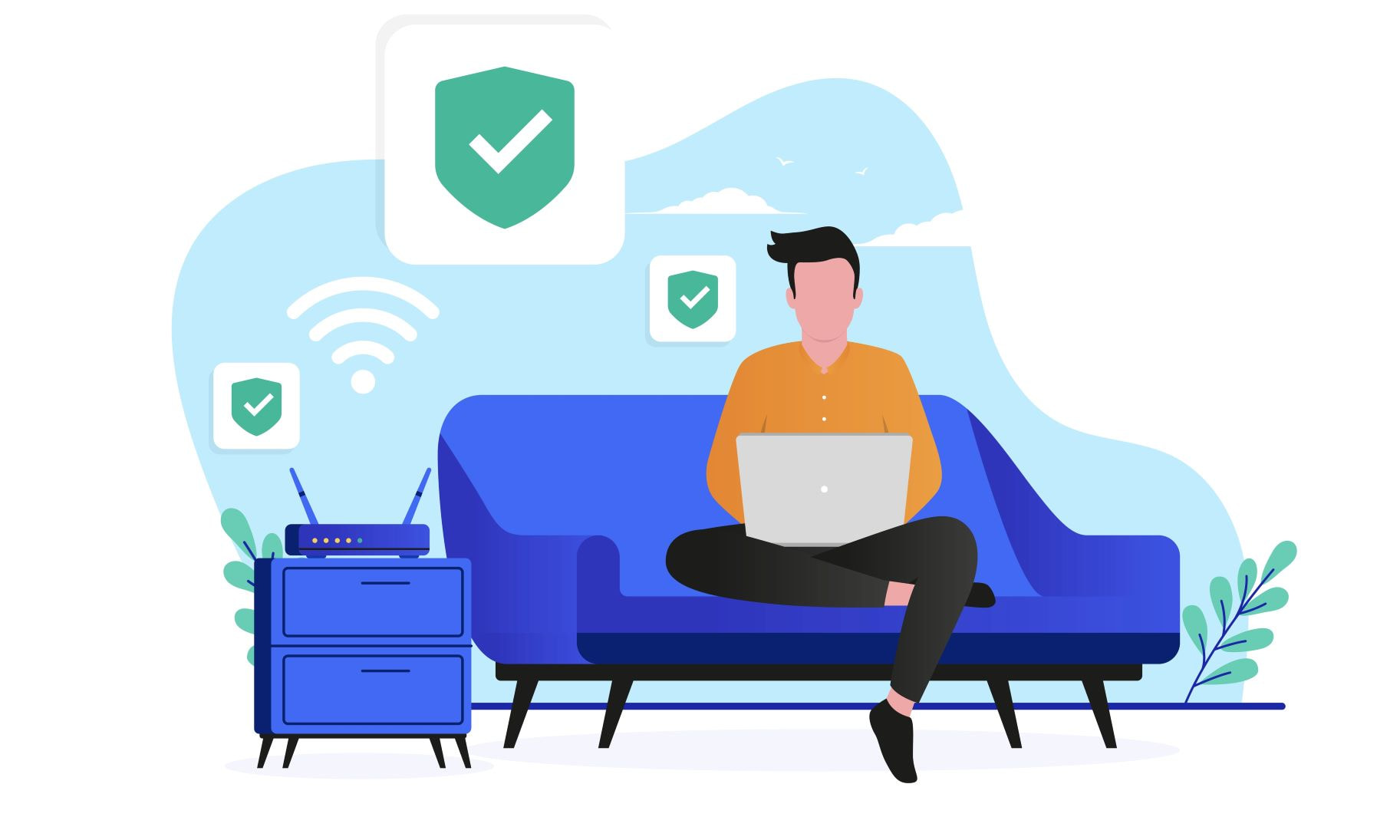
The first and most important step to protecting yourself from WiFi hijacking is to understand how it works and how an unauthorized person may gain access to your WiFi network and intercept the data transmitted over it. Go on reading to learn more about how it works.

Understand How WiFi Hijacking Works

The next step is to change your router's default settings after purchase because most routers come with default usernames and passwords that can be easily guessed or cracked by hackers. 

Change Your Router's Default Settings

Set up your WiFi network or connect a protected one. Ensure that your network uses WPA2 or WPA3 encryption and that the password is at least 12 characters long, including upper and lowercase letters, numbers, and symbols.

Use a Secure WiFi Network

The best practice to protect against malware is to install anti-malware solutions on all devices connected to your WiFi network. This method guarantees that no third parties will be able to gain access to your network.

Install Anti-Malware Software

You can monitor your network and detect all kinds of suspicious activity with special WiFi network protection systems. It will allow you to get timely alerts about any unauthorized access or attempts to hack your network. 

Use a Secure WiFi Network Protection System

Creating a complex password is the cornerstone of cybersecurity. This also applies to the protection of WiFi. You can minimize the chances of hackers cracking your password by creating a strong one with uppercase and lowercase letters, numbers, and symbols and avoid using easily guessable words or phrases.

Make Your Password Complex

Though some users prefer leaving their WiFi hotspot without any password, it sometimes can turn into dire consequences. Your WiFi network can be used by cybercriminals for various illegal activities. And it's not worth saying that you, not them, will be responsible for these cybercrimes.

Keep Your WiFi Network Password Protected

Ensure that your router is physically secure and located in a safe and protected area. The best practice is to keep it in some space where third parties have no access. This will minimize the risk of interference with the router hardware and prevent physical damage.

Physically Secure Your Router

Using a Virtual Private Network (VPN) like VPN Unlimited can provide an extra layer of security when accessing the internet. Our solution encrypts your internet traffic and routes it through a secure server, preventing anyone from intercepting your data.

Use a Virtual Private Network

Frequently Asked Questions about WiFi Hijacking

Get an Extra Layer of Security When Accessing the Internet

Take simple measures to protect yourself from WiFi hijacking.