


Best VPN for Mac 2022
Nowadays, there is a wide range of VPN clients for macOS devices, each with its own set of features and security measures.
In this piece, we are going to figure out what is the best VPN for Mac and answer several common questions about Mac VPN clients. Keep reading to learn more about Virtual Private Networks and pick the right one!
The answer to this question depends on the purpose you are going to use a Mac VPN client for. There are multiple reasons to get started with a Virtual Private Network app. One uses VPN to access a full library of any streaming service from any part of the world. Others need such solutions to unblock geo-restricted or censored content. Another common reason is online data protection. And that’s no wonder because if you use public WiFi hotspots or other unsecured networks, your sensitive data becomes in danger of being compromised by any unauthorized access. Also, most people use Mac VPN clients to download torrents safely, save money with regional pricing, and experience smooth online gaming.
Once you figure out your needs, it’s time to compare VPN services, their features, and subscription conditions. If the list of features you should compare is an obvious one (as it consists of the features you need), comparing subscription options may raise questions. What conditions should be compared? And what options are the optimal ones? Let’s deal with this question here and now!
The first subscription option we are going to review is a way you are going to use a VPN for Mac. Do you need a security solution to cover your business or the whole team? Or are you going to use this security client on your own?
Whether you need both of these options or are not absolutely sure which one to select, we highly recommend you choose a VPN provider that allows both business and personal usage. As a result, in a case of necessity, you already have a trusted VPN solution.

Going for a weekend to another country and not sure the social media networks you use daily are available in this country? Well, a 7-day subscription is exactly what you need. Your trip is going to be more than one week and you need to access Disney Plus, or any other streaming service during this time? Choose a 1-month plan and that’s it!
1-year and 3-year plans are also widely available options compared to one-payment Mac VPN subscriptions. What’s the main reason to get a Lifetime subscription? To get never-ending protection, get rid of prolonging your VPN, and save money on purchasing this sub.
Choose your perfect subscription plan and move forward towards online privacy!
Software compatibility is another crucial factor when choosing a Virtual Private Network provider. Of course, all top VPN applications are compatible with macOS and iOS platforms. However, if you have a Mac laptop and an Android or Windows phone, you probably want to protect both of them.
The number of devices that you can simultaneously cover with a single account is also important. If you are not sure the number of devices will be enough for you, pay attention to the possibility of adding additional devices to your subscription.

Accepting PayPal and credit card payments are considered to be two of the most widely used payment options. Looking for an anonymous payment method to start your secure internet life even before you get a Mac VPN client? Choose VPNs that provide an ability to pay with cryptocurrency and use your email address.
We also recommend you check if a chosen VPN app offers a trial period. A trial is a perfect ability to check out all features and not to get upset after purchasing a long-term subscription (for example, if the shortest-time plan of chosen VPN is 1 year).
Reviewing 10 Best Mac VPN Clients for 2022
Looking for the best Mac VPN client for 2022? You’ve landed in the right place! We’ve made a comprehensive review of the 10 most popular Virtual Private Network clients. Security measurements, connection speed, encryption algorithms, anonymity features, and quantity of server locations - we compare all key characteristics of VPN applications for you to make an informed decision.
Comprehensive analysis of VPN Unlimited
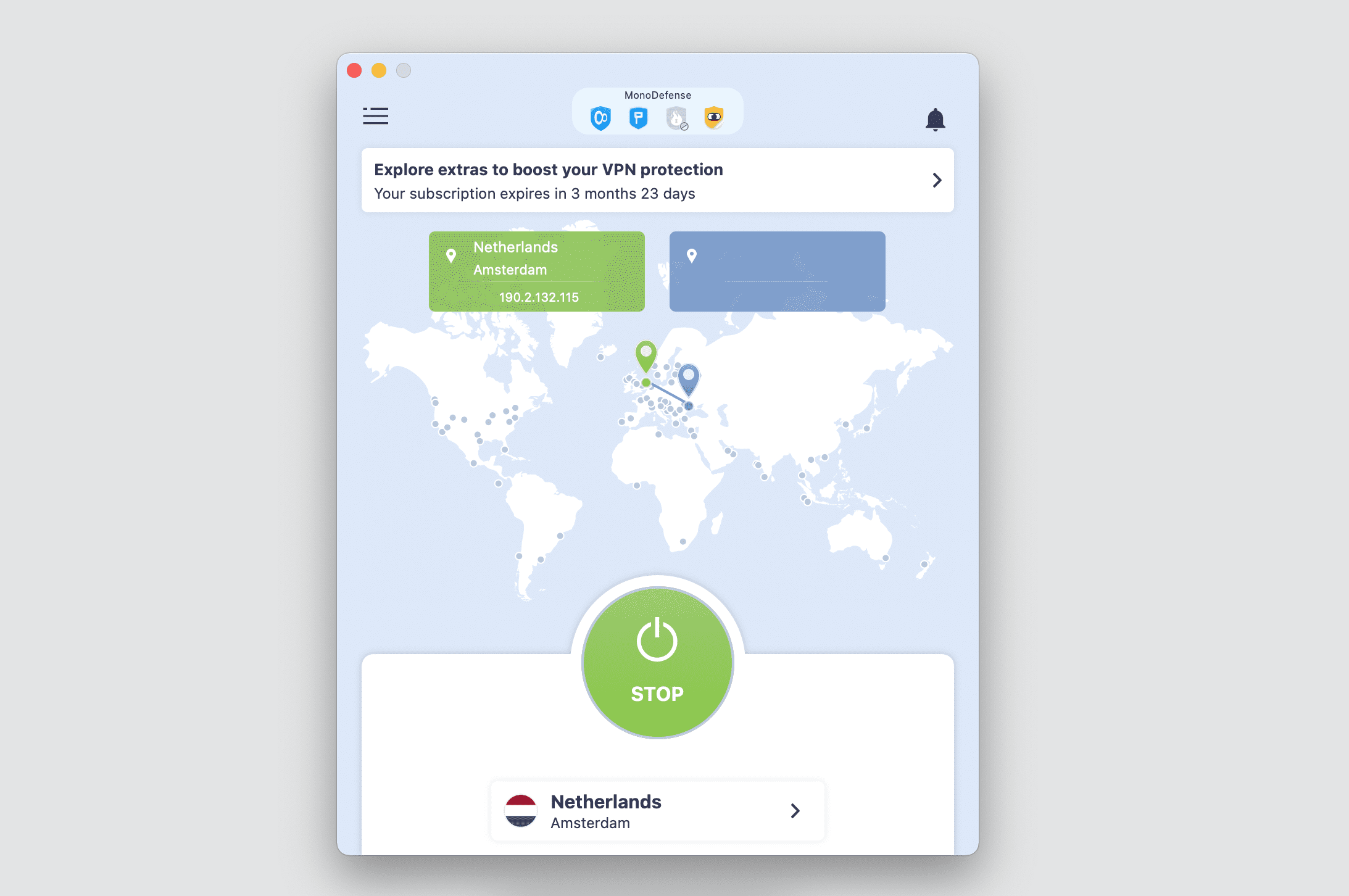
VPN Unlimited is a security solution that aims to protect your online activities from any third parties, including your ISP, government, police, advertisers, hackers, and other third parties. This Mac VPN client reliably encrypts both the incoming and outgoing traffic of your device, no matter the WiFi hotspot or cellular network you are connected to. Thus, you can be sure your browsing history, sensitive data, and any other online activities are protected from prying eyes. Get VPN Unlimited on your Mac device and start browsing the web like a pro user!
Reasons to get started with VPN Unlimited client
- To boost your online privacy. VPN Unlimited implements bulletproof AES-256 encryption, reliable Kill Switch feature, 3000+ virtual servers, and lots of other security measures. As a result, you can be sure your online activities, web traffic, and transmitted data are always away from the prying eyes.
- To get the best of the internet. With this reliable VPN for Mac, you can easily bypass any geo-blocks or internet restrictions and access your favorite streaming services from any part of the world. Getting started with VPN Unlimited is also a great ability to save money with regional pricing and boost your internet speed when playing online video games.
For more information, check out VPN Unlimited security features.
Thumbs Up - VPN Unlimited advantages
- Security: AES 256-bit encryption, 2FA, Kill Switch, zero-log policy, DNS / WebRTC / IP leak tests, SOCKS5 technology, up to 5 connections, VPN solution for teams
- OpenVPN®, WireGuard®, IKEv2, and KeepSolid Wise virtual protocols
- Ability to get a clear personal IP address and a virtual server that is dedicated to your needs only
- 3000+ servers in more than 80 countries all around the world + dedicated lightning-fast servers for streaming and P2P downloading
- Ability to bypass the Great Firewall of China and access unrestricted internet in this country
- 24/7 professional customer support who is ready to help you with any questions you may have
- Full-featured 7-day free trial and 30-day money-back guarantee
Thumbs Down - what needs to be improved
- No malware and ads blocking
- Slightly slower connection speed
- No browser extension for the build-in macOS browser Safari
- A little complicated to manually configure Mac virtual connection - step-by-step manuals are at your disposal
Complete ExpressVPN review
ExpressVPN is a reliable multilingual British-based Virtual Private Network that implements bulletproof encryption algorithms and advanced security features.
One of the many features that definitely should be noted when talking about this security app is a Lightway VPN protocol. This pioneering protocol developed by the ExpressVPN team runs faster, uses less battery, and provides the same level of security as the OpenVPN® protocol does.
Reasons to get started with ExpressVPN client
- To stay private online. Without ExpressVPN for Mac enabled, your ISP, network owner, government, and any third parties can monitor your internet traffic and probably access your sensitive data. VPN scrambles your traffic in an encrypted tunnel, and thus no one can intercept and read it.
- To save money. Sometimes prices in some internet stores could differ according to your current geo-location. To buy the item you are interested in with the lowest price, try connecting to VPN server locations in a few different countries to find better deals.
For more information, check out our detailed VPN Unlimited vs. ExpressVPN comparison.
Thumbs Up - ExpressVPN advantages
- Security: AES-256 encryption, 2FA, Kill Switch, zero-log policy, up to 5 connections
- Support of OpenVPN® and their own Lightway protocol
- 3000+ servers across 90+ countries all over the world
- 24-hour live chat support who is ready to help you with setup and troubleshooting
Thumbs Down - what needs to be improved
- No WireGuard® protocol support
- No ability to get a dedicated clean IP address
- No free trial to check everything out before purchasing
- Expensive subscriptions (compared to other VPN clients)
- No specialized servers for streaming, nor torrenting
- Decreasing of upload and download speed by 59.8% and 74.4% respectively
Detailed NordVPN analysis
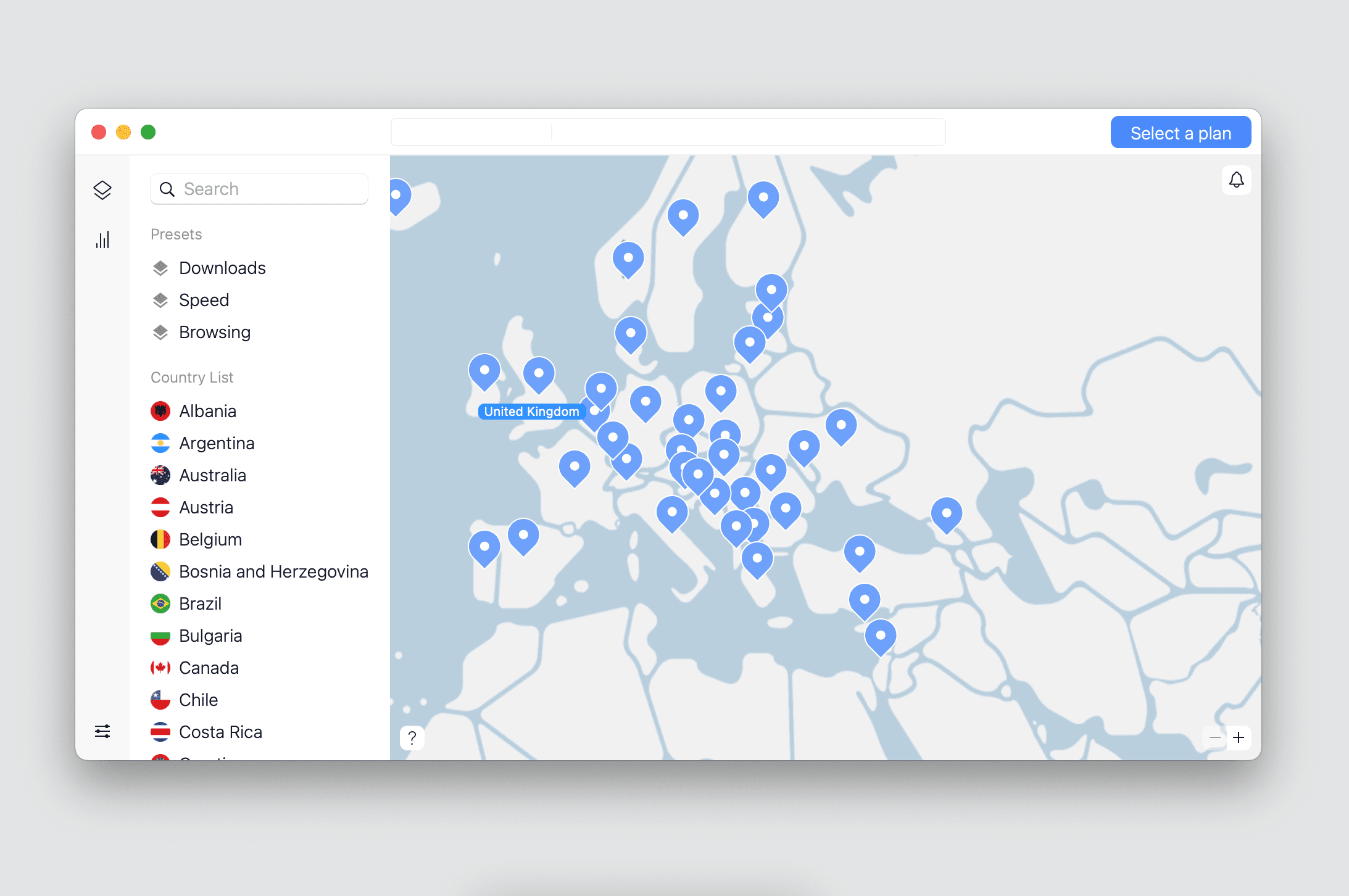
NordVPN is a cybersecurity solution that aims to offer safe and unrestricted access to the World Wide Web. Only state-of-the-art features are included!
Reviewing the NordVPN client, the NordLynx protocol should be mentioned. This brand new WireGuard®-based protocol ensures fast internet access and top-notch privacy. For now, this protocol is available on all major platforms, like Mac, Windows, iOS, and Android.
Reasons to get started with NordVPN client
- To keep your data safe from the prying eyes. NordVPN implements the AES-256 encryption standard that scrambles your traffic and makes it unreadable for any unauthorized parties. Even on public WiFi hotspots and other unprotected networks.
- To virtually travel all over the world. NordVPN offers 5100+ servers in 60+ countries all over the world. Europe, Asia, America, Africa, Australia - you can choose any of these locations and get the appropriate IP address to access certain content.
For more information, check out our detailed VPN Unlimited vs. NordVPN comparison.
Thumbs Up - NordVPN advantages
- Security: AES 256-bit encryption, 2FA, Kill Switch, zero-log policy, DNS / WebRTC / IP leak tests, SOCKS5 technology, up to 6 different devices
- Preventing from malware attacks and blocking suspicious websites
- Support of OpenVPN®, IKEv2, and WireGuard® protocols
- Thousands of lightning-fast servers in 60+ countries
- No bandwidth limits that slow down your internet experience
Thumbs Down - what needs to be improved
- No China country support
- Complicated OpenVPN® configurations
- No Trusted Networks and Run on startup features
- No browser extension for Safari (build-in macOS browser)
- No ability to configure this Virtual Private Network on a WiFi router
Comprehensive StrongVPN review
StrongVPN is a reliable easy-to-use VPN application with all the industry-standard features. Its history started in 1995 providing dedicated virtual servers, and in 2005 StrongVPN launched a VPN client.
The reviewed VPN for Mac has been enhanced over time and now provides a reliable Kill Switch feature that prevents your actual IP address and location from being leaked, and operates its own DNS servers that means your web traffic is not routed through third-party servers and does not become in danger of being compromised.
Reasons to get started with StrongVPN client
- To make sure your online data and activities are safe. StrongVPN offers trusted WireGuard® and OpenVPN® protocols. Also, it utilizes bulletproof AES-256 encryption. Thus, you don't have to worry about your online safety.
- To level up your gaming experience. Get this Mac VPN client and play like a professional gamer: be among the first to access new releases, keep your connection safe from throttling, boost connection speed, and more.
For more information, check out our detailed VPN Unlimited vs. StrongVPN comparison.
Thumbs Up - StrongVPN advantages
- Security: AES 256-bit encryption, 2FA, Kill Switch, zero-log policy, DNS and WebRTC leak tests, up to 12 connections
- WireGuard®, L2TP, OpenVPN®, IPSec, and IKEv2 protocols
- Decreasing of internet connection speed by 6.2% only
- Friendly 24/7 customer support via live chat and email
Thumbs Down - what needs to be improved
- Split tunneling on Android devices only
- Small virtual server network: only 25 countries
- No static IP address or dedicated server options
- No browser extension for Safari (build-in macOS browser)
- No free trial to check everything out before buying a subscription
Detailed analysis of Hide.me
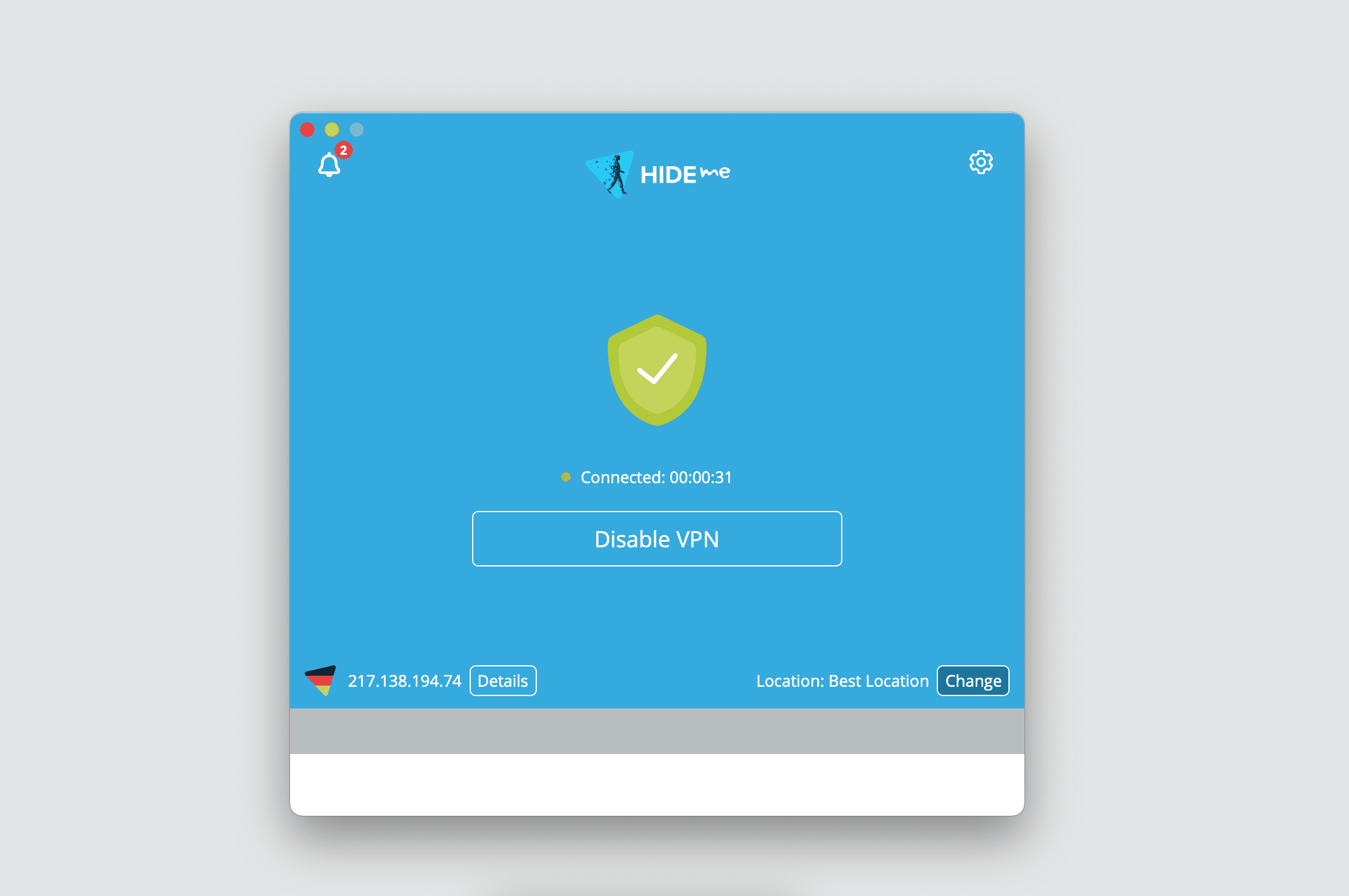
Hide.me is a Malaysia-based VPN client that offers above-average speeds and some of the best expert-level options. Let’s take a look at some of them!
The first one is a set of self-managed DNS servers. Thanks to this feature, all your internet traffic will be routed via the impenetrable tunneling protocol and protected with the bulletproof level of encryption. Furthermore, no 3rd party services could monitor and record your online activities.
The second great security measure that is a must-have option for Mac VPN clients is a zero-log policy. Therefore, you can be sure there is no one watching over your shoulder: neither unauthorized parties nor your VPN provider.
Reasons to get started with Hide.me client
- To access VoIP services. Unfortunately, some countries throttle VoIP services like Skype, WhatsApp, Viber, and FaceTime. Get Hide.me VPN on your Mac and easily overcome this issue by hiding your online activities from your ISP, government, and network owner.
- To get rid of IP address leaks. Hide.me Mac VPN client provides a Kill Switch feature that restricts access to the internet if the VPN connection suddenly drops for any reason. Thus, you can securely reestablish your virtual connection without risking your actual IP address getting revealed.
For more information, check out our detailed VPN Unlimited vs. Hide.me comparison.
Thumbs Up - Hide.me advantages
- Security: AES 256-bit encryption, 2FA, Kill Switch, zero-log policy, DNS and WebRTC leak tests, up to 5 connections
- Support of WireGuard®, OpenVPN®, and IKEv2 protocols
- 2000+ virtual servers in over 75 different locations from 6 continent
- Servers for P2P downloading (torrenting)
- Free version with several restrictions: 1 device, 5 server locations, 10 GB per month, ads, no streaming support
Thumbs Down - what needs to be improved
- The complicated location selection interface
- No ability to try functionality before purchasing
- No ability to access Hulu from anywhere in the world
- Decreasing of internet connection speed by almost 50%
- Expensive subscription plans (compared to other Mac VPN clients)
Complete TunnelBear review

TunnelBear is a well-known VPN for Mac (and other major platforms) that utilizes all standard security measures to keep your online safety intact and provide you with unrestricted internet access. No-logs policy, ability to unblock Hulu, Disney+, etc., AES 256-bit encryption, VPN subscription to protect your whole team, and a Kill Switch feature are included!
Reasons to get started with TunnelBear client
- To access global content. As we are on the same page, some online content is only available in specific countries or regions. TunnelBear Mac VPN client changes your IP address and location, so you can access any content from anywhere.
- To protect your team when working remotely. TunnelBear offers the ability to cover all your employees’ devices and data they transfer over the internet. As a result, you can be sure your business information stays secure.
For more information, check out our detailed VPN Unlimited vs. TunnelBear comparison.
Thumbs Up - TunnelBear advantages
- Security: AES 256-bit encryption, 2FA, Kill Switch, zero-log policy, DNS / WebRTC / IP leak tests, SOCKS5 technology, up to 5 connections, VPN solution for teams
- Incredible graphical user interface
- Lightning-fast servers across 49 countries all over the world
- Ability to unblock Hulu, BBC iPlayer, and other streaming services
- Ads blocker feature to stop Flash scripts, prevent pixel tracking, and hide social media buttons (for Chrome browsers only)
Thumbs Down - what needs to be improved
- No WireGuard® protocol support
- No ability to get a personal VPN server
- A free version is limited to 500 Mb only and no money-back guarantee
- The only option to contact support is sending an email and awaiting an answer
Comprehensive ProtonVPN review
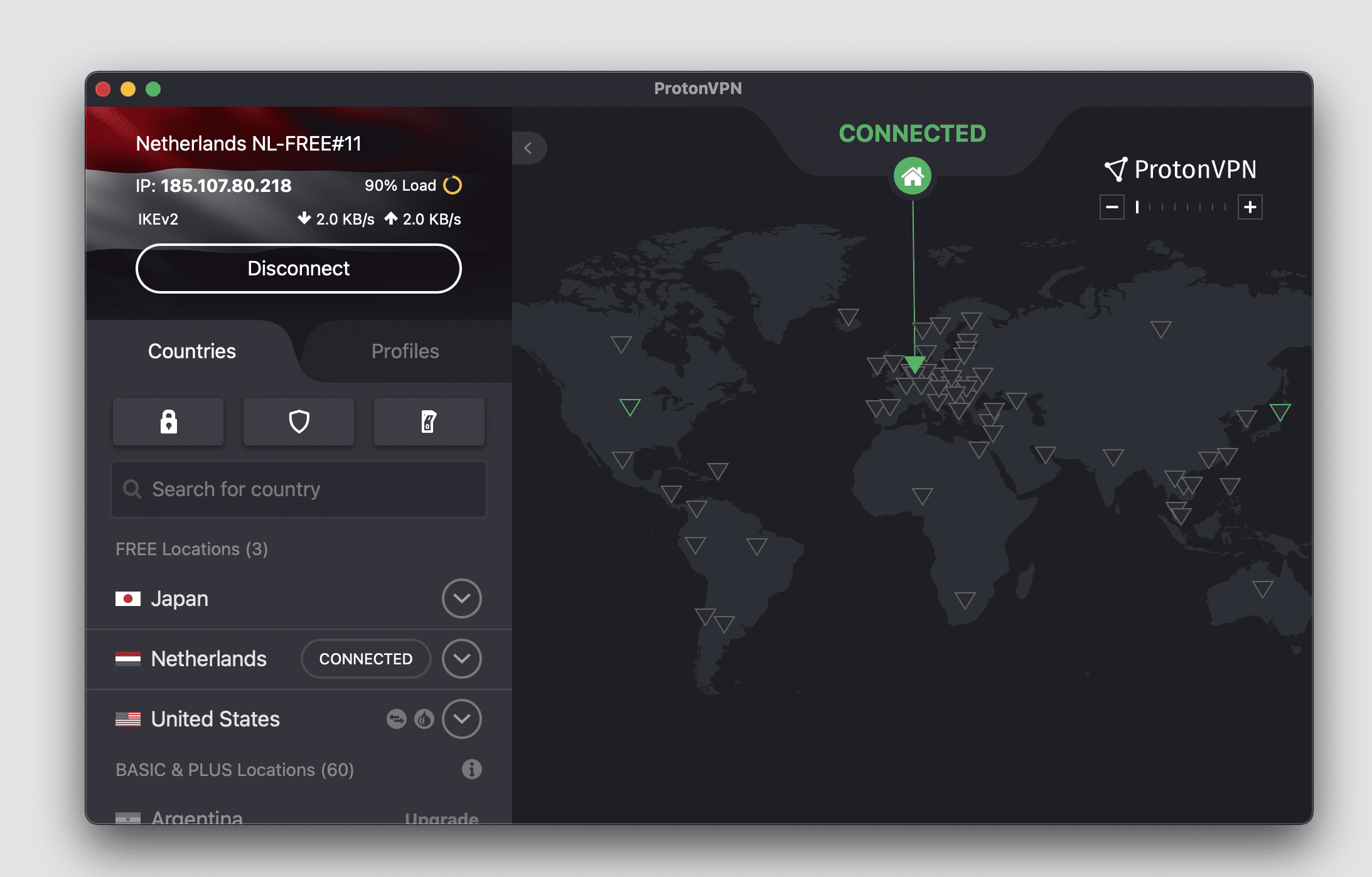
ProtonVPN is a Switzerland-based Virtual Private Network application that doesn’t log your internet activity and reliably safeguards your online privacy.
VPN Accelerator is a great feature of the ProtonVPN app. It allows you to browse the internet over 400% faster than usual when using a VPN client. As this feature is activated by default, all you need to start enjoying a stable and fast VPN connection is to get this client on your Mac device.
Reasons to get started with ProtonVPN client
- To protect yourself on public WiFi hotspots. The reviewed app prevents hackers from accessing and stealing your sensitive data when using unsecured networks, such as public WiFis.
- To securely stream any media without buffering. Protect your internet connection with strong encryption algorithms, easily bypass geo-blocks and internet censorship, and enjoy smooth streaming without any time delays.
Thumbs Up - ProtonVPN advantages
- Security: AES 256-bit encryption, 2FA, Kill Switch, zero-log policy, client-side DNS leak protection
- WireGuard®, OpenVPN®, and IKEv2/IPsec protocols
- Free trial to check everything out
- Fast servers for streaming and torrenting
Thumbs Down - what needs to be improved
- Mac version lacks most features
- Limited Asia region servers
- No ability to bypass the Great Firewall of China
- No more ways to contact support than just email support tickets
Detailed analysis of SurfShark
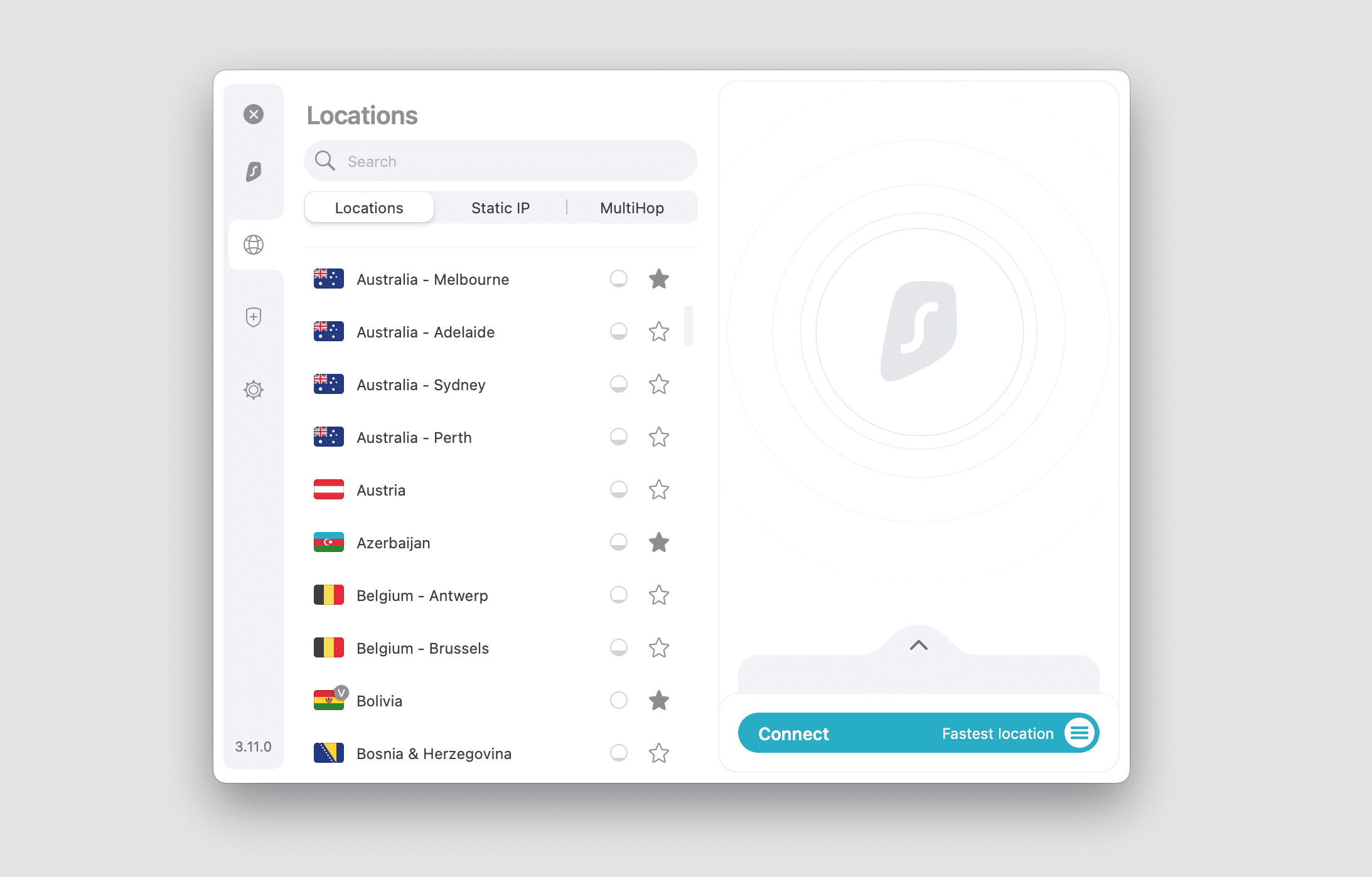
SurfShark is a British-based security client that does its best to protect you on the web. Get this solution on your Mac device and see for yourself!
Shadowsocks is a brand-new custom protocol you should definitely explore. This protocol helps users from high-censorship countries to overcome internet restrictions, especially the Great Firewall of China. It is available on Windows and Android devices and can be set up manually on Mac and iOS devices.
Reasons to get started with SurfShark client
- To browse the internet without bandwidth limits. As this Mac VPN client provides no speed restrictions, you can enjoy your original internet connections rate. Browse the web without any throttling or limitations!
- To bypass geographical restrictions. The reviewed Mac VPN client allows you to easily get around geo-blocks, internet censorship, and streaming servers’ restrictions and unblock any online content you desire.
Thumbs Up - SurfShark advantages
- Security: AES 256-bit encryption, 2FA, Kill Switch, zero-log policy, up to 10 connections, VPN solution for teams
- Support of OpenVPN and WireGuard protocols
- Servers that allow P2P downloading
- No significant internet connection speed slowdowns
- 100% money-back guarantee for your first 30 days of service
Thumbs Down - what needs to be improved
- No static IP address feature
- Rare instances of Kill Switch failing
- No free trial to test all SurfShark features
- No browser extension for Safari (build-in macOS browser)
- No support over the phone, the only option is to write on email
- Some servers for gaming provide long loading times and error messages
Complete analysis of Private Internet Access
Private Internet Access is a secure and user-friendly VPN for personal use that supports up to 10 simultaneous connections. This VPN client for Mac provides thousands of lightning-fast virtual servers in more than 75 countries, supports torrenting (P2P uploading) and allows you to unblock many streaming services.
Reasons to get started with Private Internet Access client
- To overcome geo-restrictions. Thanks to the IP masking feature and wide range of virtual servers, you can virtually travel all over the world and, thus, bypass geo-blocking.
- To download torrent files. Virtual Private Network clients are perfect solutions for countries where P2P downloading is considered to be illegal. Get it on your Mac device (or any other platform) and be sure neither your ISP, nor government become aware of your online activities.
For more information, check out our detailed VPN Unlimited vs. Private Internet Access comparison.
Thumbs Up - Private Internet Access advantages
- Security: AES 256-bit encryption, 2FA, Kill Switch, zero-log policy, DNS and WebRTC leak tests, SOCKS5 technology, up to 5 connections, VPN solution for teams
- OpenVPN®, SOCKS5 (Proxy), IPSec/L2TP, and PPTP protocols
- 24/7 friendly customer support team team
- Virtual servers in 75+ countries all over the world
- Split-tunneling on all major operating systems, including the macOS platform
Thumbs Down - what needs to be improved
- No Lifetime subscription plan
- No dedicated servers for streaming
- No ability to get a personal virtual server
- App panel that is locked to the lower-right corner of the screen
- No Mac free trial to check all Private Internet Access features (7-day trial is available for iOS and Android devices only)
Comprehensive CyberGhost review
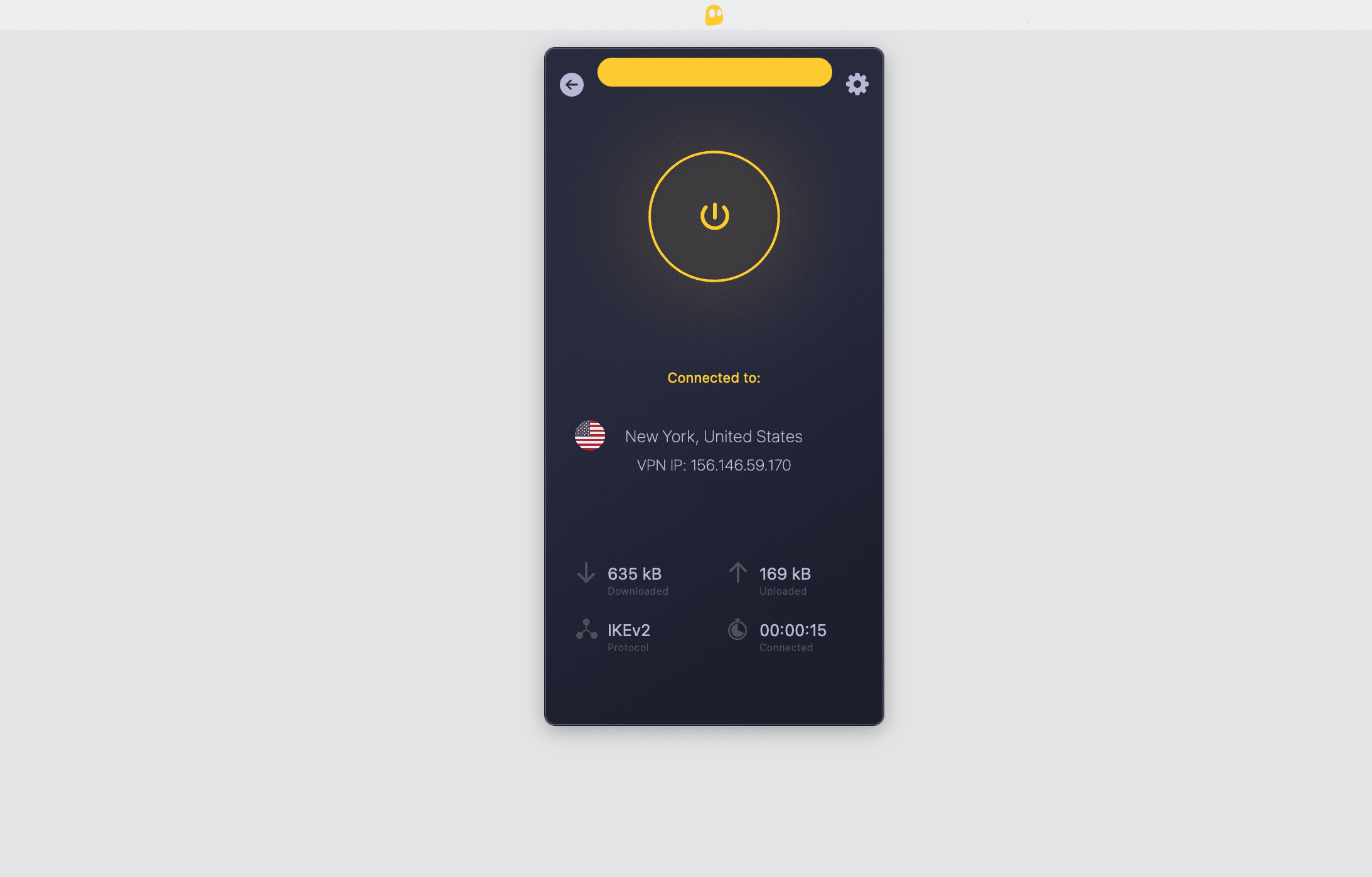
CyberGhost is a Romanian and German-based privacy solution that provides a well-organized VPN for Mac for more than 15 million users.
One of the most important VPN features to look for is a wide range of virtual servers. This VPN client provides more than 7 thousand servers in over 110 different locations. Thanks to the high number of servers, you can virtually travel all over the world without any hassle. Get blazing-fast speeds and unlimited bandwidth, no more buffering or throttling!
Reasons to get started with CyberGhost client
- To defeat geo-blocking. Some of the streaming websites and online services restrict access to their content in certain locations. To bypass such restrictions and access any content you like, get this reliable Mac VPN client.
- To save money when buying something online. Thanks to the wide range of virtual servers, you can connect to several of them and compare the prices of one item for different regions. Choose the country that provides the lowest price and that’s it!
For more information, check out our detailed VPN Unlimited vs. CyberGhost comparison.
Thumbs Up - CyberGhost advantages
- Security: AES 256-bit encryption, 2FA, Kill Switch, zero-log policy, DNS / WebRTC / IP leak tests, SOCKS5 technology, up to 7 simultaneous connections
- Malware and ads blocking
- OpenVPN®, WireGuard®, and IKEv2 protocols
- 7000+ servers across 90+ countries all around the world
- 45-day money-back guarantee
- Dedicated IP addresses to ensure your traffic always appears to come from the same IP address and look a little less like VPN traffic
Thumbs Down - what needs to be improved
- Overload virtual servers and thus below average OpenVPN® speeds
- No Lifetime subscription plan
- Limited payment options (lots of cryptocurrencies aren’t available)
- No ability to try CyberGhost client before purchasing a subscription
- No Ping test feature (this feature allows you to find out how fast data is transmitted between your device and chosen virtual server)
Do Not Sure Yet What is the Best VPN for Mac?
Download VPN Unlimited on your Mac device and explore how its features work for your online privacy for absolutely free! No credit card is required!




Resulting VPN Comparison Table: What Is the Best VPN for Mac
Features |
VPN Unlimited |
ExpressVPN |
NordVPN |
StrongVPN |
Hide.me |
TunnelBear |
ProtonVPN |
SurfShark |
PIA |
CyberGhost |
| Zero-log policy | ||||||||||
| OpenVPN® |
||||||||||
| WireGuard® |
||||||||||
| Personal virtual servers |
||||||||||
| Kill Switch feature |
||||||||||
| Ads blocker |
||||||||||
| 5+ simultaneous connections |
||||||||||
| P2P servers |
||||||||||
| Streaming servers |
||||||||||
| Two-factor authentication |
||||||||||
| Free trial |
||||||||||
| 24/7 support |
||||||||||
| Rating: | 5★ | 3.5★ | 4★ | 4★ | 5★ | 4★ | 4.5★ | 4★ | 3.5★ | 5★ |
Well, now you can make an informed choice of your perfect Mac Virtual Private Network solution. Pick the app that grants great privacy and security features, provides a wide range of virtual servers, and be sure about your sensitive data protection, online anonymity, and unrestricted access to the web!
Mac VPN Client: Frequently Asked Questions
Bored because of services that discover you are using IP from an already known common VPN server and restrict access to their content? Tired of getting blocked because of other unfair users with the same shared IP address? A personal static IP address is at your disposal! Get VPN Unlimited now, purchase personal IP in the selected country with reputation, and extend your online protection!
Access your online banking or mailbox anywhere securely and be sure no one finds out that it is a VPN server IP address.

VPN Unlimited is a perfect tool to get access to any streaming service you like from anywhere in the world. This Mac VPN client provides about 10 lightning-fast servers for streaming and more than 3000 servers all over the globe.
Choose a server that suits your needs best, and satisfy your video streaming appetite! Wherever you are and wherever network you are connected to, activate VPN Unlimited connection on your Mac and be ready to watch any video content you like!

Unfortunately, torrenting (P2P downloading) is illegal in some countries. However, it remains popular. VPN Unlimited offers several P2P-friendly servers that ensure the secure and fast downloading of torrent files.
Furthermore, while connected to such servers you get a clean online reputation and reliably encrypted internet traffic. Thanks to the IP masking feature, bulletproof AES-256 encryption, and a Kill Switch option, you don’t have to worry about accidentally getting revealed.

This reliable Mac VPN client implements the SOCKS5 proxy solution for concealing your actual geo-location on the web and accessing any restricted content. This technology routes both your incoming and outgoing internet traffic via a remote proxy server. As a result, your IP address, physical location, and online actions are impossible to track.
Download VPN Unlimited on your Mac right now and make sure there is no one looking over your shoulder!

Ready to Give VPN Unlimited a Try?
Download our reliable Mac VPN client on your device and become anonymous and protected on the internet in one click!