How to Find And Change Your IP Address On Different Platforms
Every day connecting to the internet we send packets of information to the worldwide web. And to communicate with the world we need an identifier to receive information back. In the real world, this marker is our physical address, that reflects our location, residence, or business. In the online world, this role is played by the IP address.
Each device connected to the internet has its own unique identifier. That is a Private IP address. But when you ask “what is my IP address”, you are usually supposed to know your Public IP. A public IP address is assigned by the Internet Service Provider. And when the devices are connected to the internet they use your Public IP instead of a hidden Private IP address.
In this article we will find the answers to the following questions:
- What are your Private IP and Public IP?
- How to find your IP address with IP Chicken, or standard Windows, Mac, or iPhone tools.
- How to change your IP Address on Mac, iPhone, Roku TV, and any other device?
Let’s start our journey.
What Are Your Private IP and Public IP Addresses
Almost each of us has an online network with a number of devices connected to one router. This home network may consist of a PC, phone, smartTV, etc. And each device has its private IP address, assigned by the router. This helps your devices in one network to communicate with each other.
How to find your IP address with IP Chicken
The easiest way to learn your IP address is to use special online services. IP Chicken is one of them. Using IP Chicken you can learn your Current IP address, Remote Port, and browser version. According to Chicken IP Privacy Policy, the service doesn't collect any information about your IP and keeps no logs. But anyway, the best practice is to protect your online routine with a secure VPN app.
How to find your IP address on iPhone
It’s pretty easy to find your IP address on your iPhone. Firstly, run the Settings app. Then navigate to WiFi and scroll down to the “i” lowercase to see additional information about your WiFi network. In this window find the IPv4 address. That will be your current Public IP. You can also find a Router line there. Your router IP address will be listed next to it.
How to find your IP address on Macbook
To figure out your IP address on a Mac, you need to go to System Preferences. Then navigate to Network and choose you current connection on the left. Click Advanced and TCP/IP. There you will find your current IP address next to the IPv4 line and your router IP address next to the Router.
How to find your IP address with the Command Prompt (CMD)
The Windows Command Prompt (cmd) tool can also help you get your public IP address. Follow the instructions below to get find your IP with standard cmd Windows tool.
- Open the Start menu and type cmd.
- In the new cmd window type the following command and press Enter: nslookup myip.opendns.com resolver1.opendns.com
- Great! A set of four numbers divided by dots in the address line is your Public IP.

Enjoy all the benefits of a secure VPN solution on various devices.




Note: VPN Unlimited is available as a part of the MonoDefense security bundle.
How To Change Your IP Address with VPN
When it comes to your internet privacy, usually you need not only to hide your IP address but also to change it. Luckily, VPN Unlimited can offer an ultimate solution.
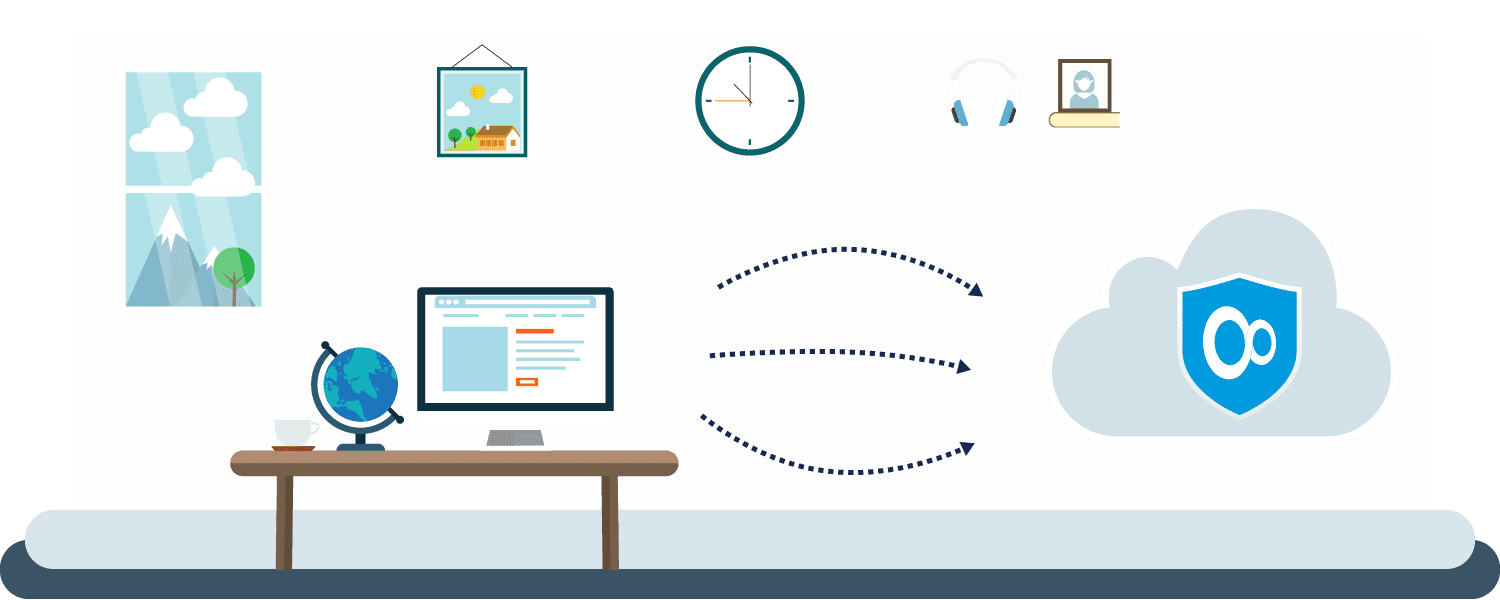
Setting up a VPN Unlimited app you encrypt your traffic and reroute it through our lightning-fast VPN servers. AS a result, your IP is changed, and you can browse the web privately. With an extra fee, you can get a private VPN server or Private IP address, with boosted speed and performance.
VPN Unlimited is available on a large variety of devices on different platforms: iOS, macOS, Android, Windows, Roku TV, etc. You can even set up a VPN connection right on your router to protect the whole network of devices connected to it.