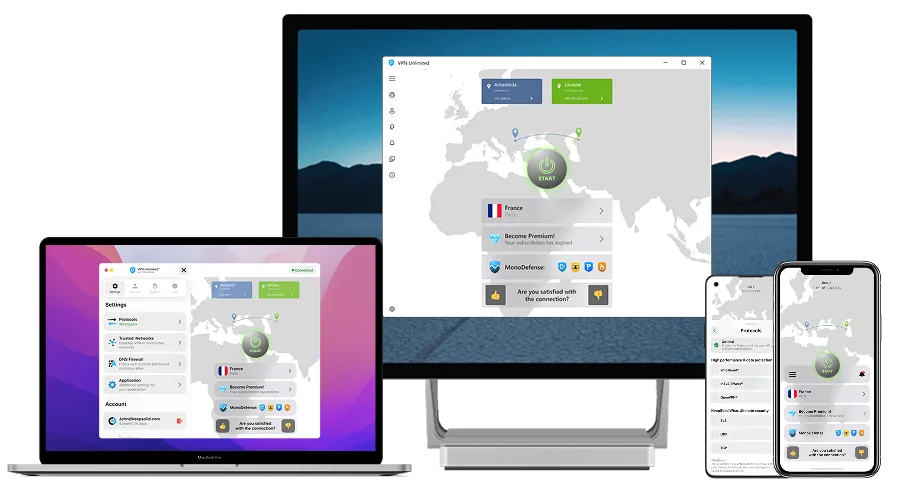
What is a VPN for teams
VPN for Teams secures remote team communication and data access by providing encrypted, private connections to company resources.
Try nowKey Features of VPN for Teams
Absolute privacy
Cross-platform and Multi-device Support
Cost saving and Access Control
Centralized management
Reasons Why Your Team Needs a VPN
Data Security
Do your employees work on the go or take business trips frequently? Then they likely have to use free public WiFi along the way to stay connected. This poses a threat to their personal and business information since such hotspots are usually poorly secured and are thus infested with hackers and spyware.
BYOD policy
If your organization applies the bring-your-own-device policy, your employees use their personal devices for work and corporate communications. Unless properly secured, this poses an immense danger to the integrity of your business data. Even a single of their devices getting compromised might cause serious security problems for your corporate network.
Remote employees
Remote work means transferring a large part of your business communications and enterprise content beyond whatever corporate network security you’re using. You have no means to ensure that remote employees secure their work devices reliably, or that they use safe internet connection.
Privacy Protection
Privacy protection is a critical feature of VPNs, as it effectively masks users' IP addresses. By doing so, it prevents external entities, such as hackers or unauthorized parties, from tracking user activities or accessing sensitive data. This ensures that all online communications remain private and secure, enhancing overall data security.
How to Manage VPN Access for Your Teams
Once you’ve purchased our VPN plan for Teams, there are several options for how you can manage your team and interact with it.
Change team name
Invite new team members
Expand your VPN network
Add more security
Intuitive user interface
Designed with ease and convenience in mind, our intuitive User Office will let you and your team members get rolling right away. Start exploring it now and see for yourself!
Convenient team management
Managing your team via KeepSolid User Office is very easy! Invite team members, remove, and add new users in a matter of just a few clicks.
All your teams in one place
You can manage your own team and join others at the same time. Whatever the number of teams you belong to, see them all in your KeepSolid User Office, along with the list of all team members.
The highest protection with Personal Server / IP
Level up your team protection and boost your online experience with a Personal Server or a Personal IP. Just click Add servers, complete the purchase, and once the server is deployed it gets instantly shared with all members of the chosen team.

FAQ for VPN for Teams
Are You Ready to Claim VPN Protection for Your Teams?
Before getting our Team plan, you might first want to try out our app for free. Download VPN Unlimited for Teams and explore our best security features now. Protect your business data. Anonymously surf the web. Access any geo-restricted content.
Protect Your Team