


VPN Unlimited Is the Best Choice for North Korea
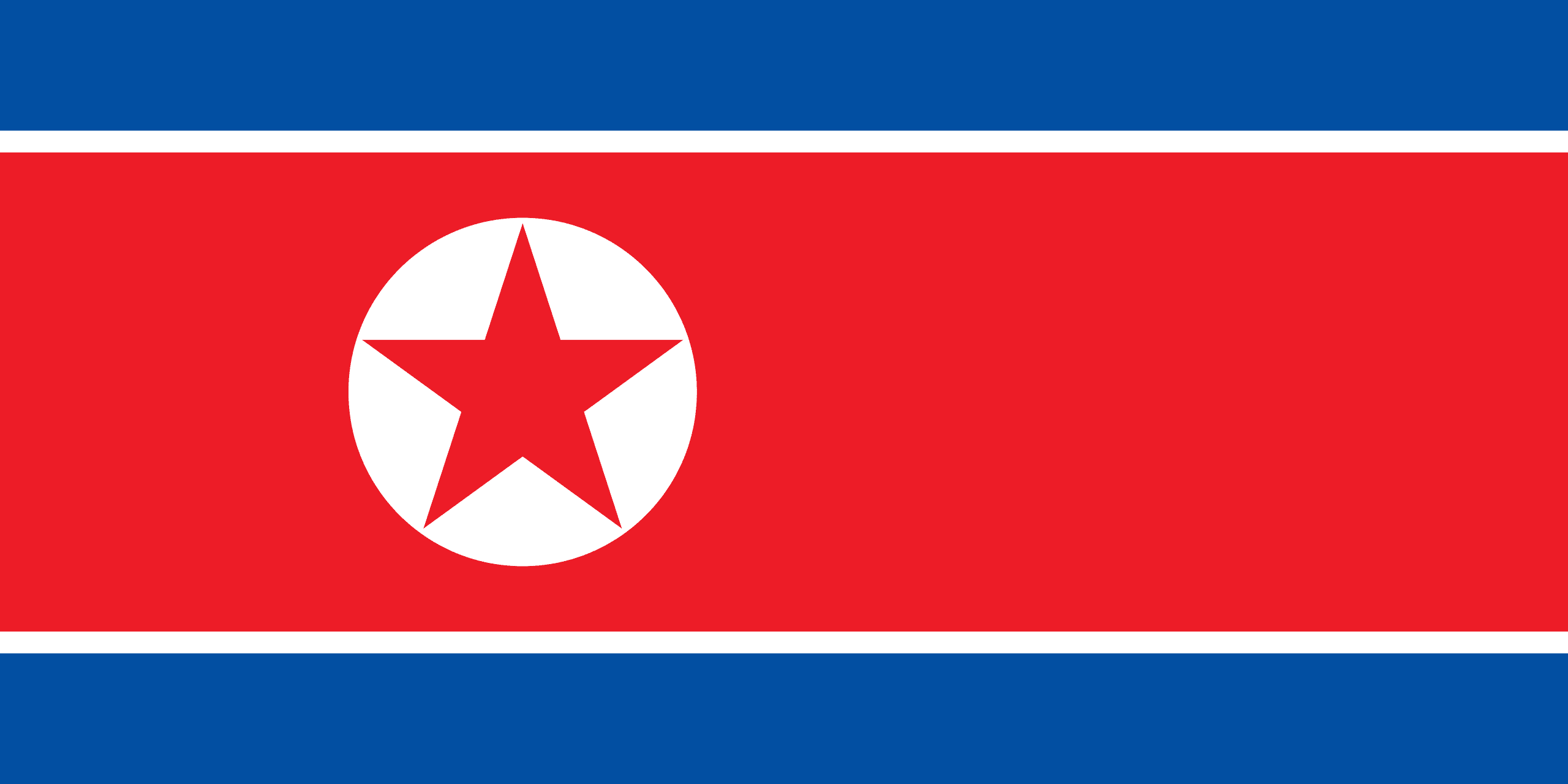
North Korea is known for its strict censorship policies and limited internet access; only a few government officials and university students have access to the country's intranet - Kwangmyong.
While North Korean citizens do not have online freedom, visitors to the country can use hotels and internet cafes to access the internet. Your connection, even so, is unlikely to be private. To protect yourself and your online privacy, VPN Unlimited is the best choice to go for.
Our reliable app offers many features, make sure to check it all out!
Become Anonymous in North Korea
VPN Unlimited establishes a secure connection, or tunnel, to the internet, with our virtual server serving as a middleman between you and the internet. This contributes to some anonymity by masking your address by using the VPN's IP address instead of your own.
VPNs are designed to conceal your IP address and prevent others from tracking your online activities. Unfortunately, even with a VPN, security flaws can sometimes reveal your IP address.
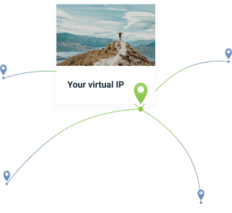
Fortunately, our app masks your true identity by securely tunneling your data through an encryption technology that is hidden from third parties. This ensures that your data is only managed and delivered by the VPN's servers. We can also provide you with a personal IP address. Get it now and be the only one who uses this IP. Furthermore, no databases will link this IP address to a VPN service.

A no-log VPN means that the network does not collect or log any data transmitted over it. Your personal information, where you go online, what you download, and your search history are not saved. This protects your online privacy and anonymity from everyone, including your VPN provider. If any cybercriminal manages to break into a no-log VPN, there won't be much to discover.

If your connection becomes unstable, our reliable Kill Switch feature instantly terminates your internet access. It will be switched back to a regular one as soon as your VPN connection is recovered. As a result, VPN Unlimited reduces the risk of data leakage and breaches.

Get Access to Blocked Content
Another advantage of using our free app is that you can access geo-blocked websites. You can bypass internet censorship and online content restrictions by connecting to one of our 3000+ servers in 80+ different countries. Thanks to VPN Unlimited, you can access Facebook, YouTube, Twitter, and many other websites hassle-free.
Get VPN Unlimited for Free in North Korea
A full-featured 7-day free trial is a perfect ability to check everything out!




Play Your Favorite Games Online
Gaming is fun, but sometimes it comes at a cost. Some cons of gaming online may include DDoS attacks.
A DDoS attack, or distributed denial-of-service attack, is one in which numerous requests are sent to a single system from compromised computers to take it down. DDoS attacks were once primarily used against websites and occasionally online games. However, DDoS software is now widely available, making it possible for almost anyone to launch a DDoS attack against websites or users. This means that someone you're playing against might try to do a DDoS attack on you.
That's where VPN Unlimited comes into play! Anyone attempting to DDoS you will be unable to locate your connection and flood it with unnecessary data because our security solution masks your IP address.
Avoid Bandwidth Throttling
For various reasons, many internet service providers throttle or slow bandwidth. To ease network congestion, some ISPs throttle at specific times and days.
Others throttle traffic automatically if they detect specific types of traffic on the network, such as gaming, streaming, and file sharing. Many throttles as soon as a certain amount of transferred data.
FAQ on Using our VPN for North Korea
Proxy is an open proxy server that is used to hide your IP address for a remote client by making a direct connection to them. VPN, on the other hand, utilizes the services of licensed and advanced encryption to conceal traffic by using encryption technology that is secure. What else VPN could deliver you:
-
Top-notch 24/7 customer service
-
No government or censorship
-
Security isn't just limited to WiFi networks that are accessible to everyone.
But if you want to use a proxy in North Korea you should do the following steps:
Get a server address you need to connect your device
Connect it through settings(depending on your device)
Windows: Settings > Network & Internet
macOS: System Preferences > Network > Advanced > Proxies
iOS: Settings > Wi-Fi > Choose your network > Configure Proxy
Android: Settings > Wi-Fi > Choose your network > Modify Network > Advanced Options > Manual
Download Torrents Safely and Anonymously
Many people are unaware that anyone torrenting the same file as you has access to your IP address. Your IP address is similar to a digital fingerprint. This makes torrenting dangerous.
To make sure that you are 100% secured, we provide the following features in our app:
- Military-grade AES 256-bit encryption to ensure your safety while torrenting.
- A Kill Switch feature to disconnect you from the internet if your VPN goes down.
- 3000+ servers across 80+ countries to virtually travel all over the world.