How to Change VPN Location
In some instances, you may be traveling to a foreign country and realize that websites you normally use when you are in your own country are blocked and therefore, you cannot continue enjoying things you normally enjoy. In these instances, you may want to change your virtual location on your iPhone or any device that you use. This has brought the need for us to tell you about how you can use VPN app VPN Unlimited to change your Virtual Private Network location.
Why You Need to Change Your Virtual Private Network Location
Before we talk about how to change your VPN location on your iPhone, we will first look at why it is important for you to know how to do this. If you are someone who enjoys watching a lot of online content, you would have come across this message “Sorry! This content is not accessible in your country” at some point.
If you are an avid gamer, you might have realized that there are some games that you cannot access because they are banned or blocked in your country. This is a result of geo-blocking where a country can deem a website as harmful to its citizens and block some online content from being accessed by its citizens. Geo-blocking is not just about content; it also impacts where and how you shop online, as some retailers offer better deals in specific regions. By changing your virtual location using a VPN app, you can access these regional deals, enabling you to shop smarter and save money.
About VPN Unlimited
VPN Unlimited is a Virtual Private Network (VPN) service that allows you to safely connect to the internet through its secure servers that encrypt your data and change your VPN location. Through this encryption process, your real location and physical location are concealed from unauthorized surveillance, ensuring your online privacy and security. This is an app that is serious about keeping your online activities private and that is why it provides easy steps on how to change your VPN server location and spoof your location with a new IP address.
When you go to VPN Unlimited, you will find over 3000 VPN servers in over 80 locations worldwide, making it easy to connect anywhere you want, whether it's in Australia, the UK, the US, or anywhere else. No matter what different location you want to connect to, your needs will be met. All their VPN servers are reliable, safe, and provide an internet connection with high speed. If you use an iPhone, you can enjoy the benefits of using the IKEv2 protocol, which uses AES up to 256-bit, Camellia 256-bit, and ChaCha20Poly1305 encryption methods for added privacy and security. Moreover, VPN Unlimited offers various location settings and configurations, ensuring your online privacy and allowing you to connect to the internet from anywhere in the world while maintaining your privacy. By using this VPN to change your physical location, you can also hide your location from websites and apps that try to determine your location through your GPS location or IP address.

Download it now and be able to change your virtual address whenever you want to.




Note: VPN Unlimited is also available as a part of the MonoDefense® security bundle.
How to Change VPN Location on iPhone
There are multiple ways to change your VPN location. Firstly, establish a Virtual Private Network (VPN) connection on your iPhone by going to the main screen of the VPN Unlimited application. If you are connecting to a VPN server for the first time, you must add VPN configurations and download a Virtual Private Network profile on your phone. Select 'Allow'.
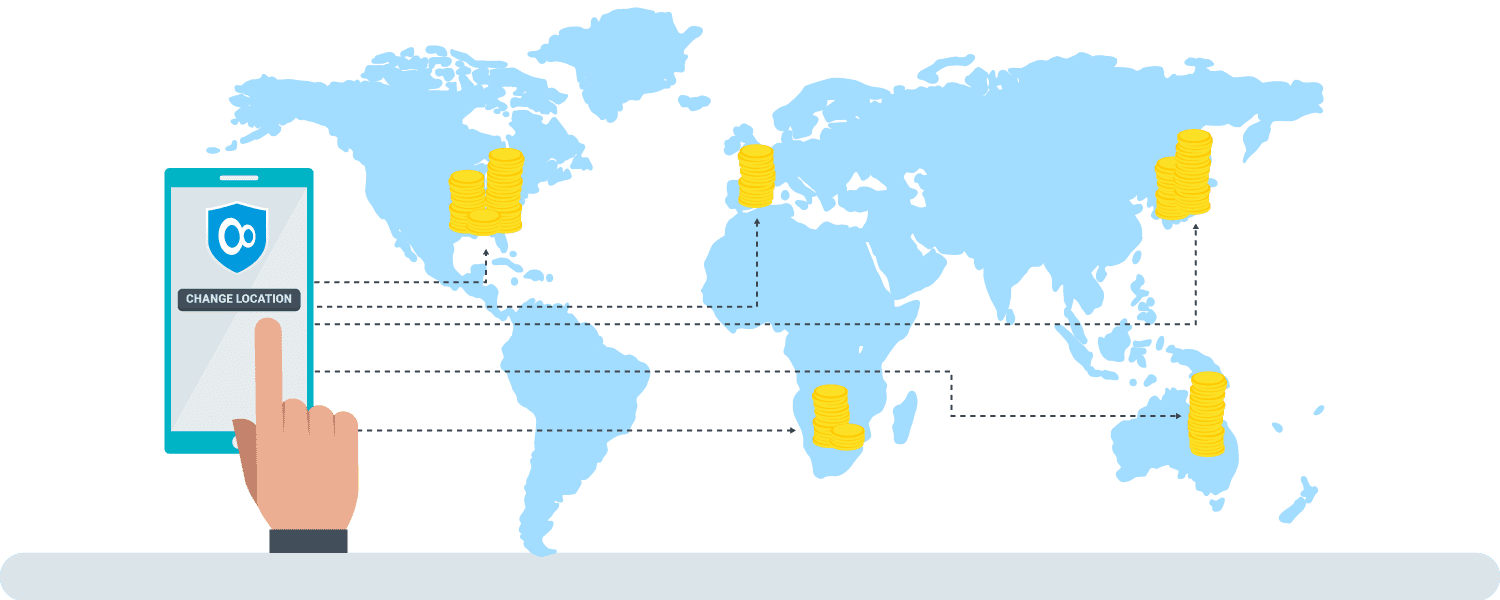
You will then see a map where you can see your actual location as well as your virtual IP location. If you tap any of these IP addresses, you will be able to see the internet protocol connection type for both as well as the chosen country and city. To change your VPN location, you can simply select the location changer you wish to connect to on the map and tap the power button.
It is easy to change your VPN location on your iPhone. It is also easy to see which server you are currently connected to. You simply go to the bottom of the main screen and view the VPN server. Tap on this server and select another server on the 'Location settings' screen on your iPhone. This convenience and user-friendliness of the VPN app are some of the reasons why you should use VPN Unlimited on your iPhone. Changing your location is that easy. Additionally, VPN Unlimited gives you the flexibility to spoof your location for various apps that might otherwise restrict services based on your real location.
Navigating to VPN Unlimited Location screen on iPhone
The locations screen will have the following tabs that you can use to manage your location settings on your iPhone:
If you prefer certain servers because maybe that is where you stream your favorite content, you may want to add them to this tab. This will make your life easier and allow for quick access. Moreover, you can select the “Optimal” server option to select the server that will give optimal performance on your iPhone.
You have an option of selecting which servers you want to categorize as “General”. You can choose specific servers only or recommended servers to add to this tab. This feature is particularly useful if you want to maintain access to specific content or services without constantly adjusting your location settings.
What is great about managing servers on your iPhone is that you can see which servers have a high workload. These are servers that have a lot of people connected to them, so you must connect to those with a low workload, as they will be faster.
It will include a list of servers where you can stream your favorite content from many sites such as Disney+, Max, Hulu, and many others. By strategically selecting servers, you can change your virtual location to access region-specific content that might not be available in your physical location.
We have shown how you can change VPN location on your iPhone and how easy this is on VPN Unlimited. Stay protected and safe from unauthorized surveillance by regularly updating your location settings to ensure your virtual location remains private and secure.

By using VPN Unlimited, you gain the ability to spoof your location and access social networks that might be restricted based on your real location or actual location.