Manual setup is time-consuming, as it requires a new configuration for each server you want to connect to, and users miss out on many of the capabilities available in the VPN app. VPN Unlimited app for Linux lets you establish the connection and switch servers in just a few clicks and enjoy other benefits of a Linux VPN client.
VPN for Linux
Benefits:
- Strong Security and Private Browsing
- Intuitive and User-Friendly App
- Thousands of Servers in 80+ Locations
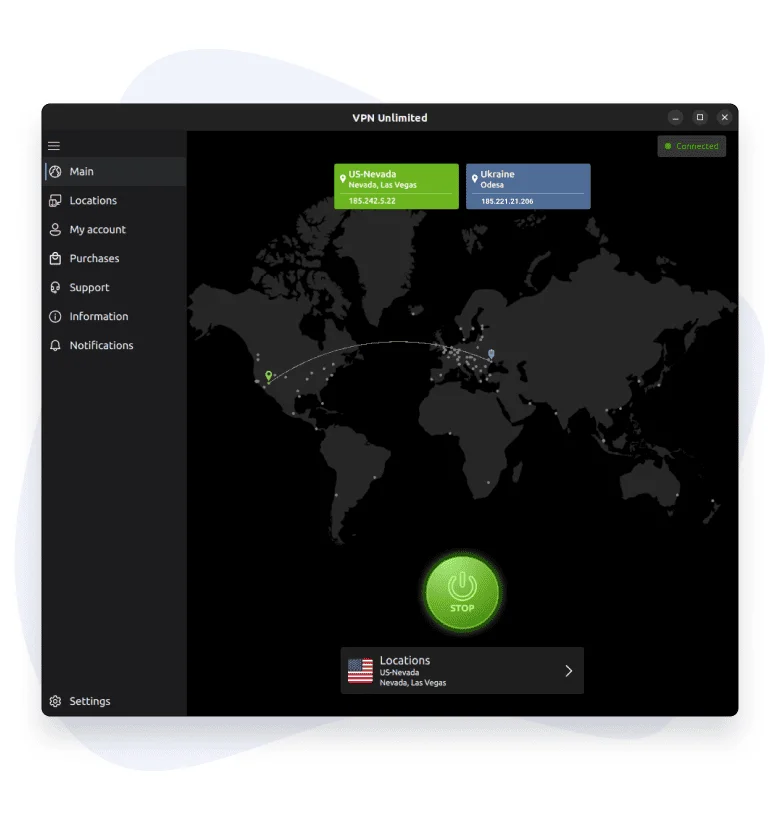

Experience VPN Unlimited – Your Best VPN Client for Linux
Reliable, encrypted connection wherever you work
Our VPN for Linux uses AES-256 encryption and modern VPN protocols to keep your connection secure and stable, whether you work from home, the office or on the go.
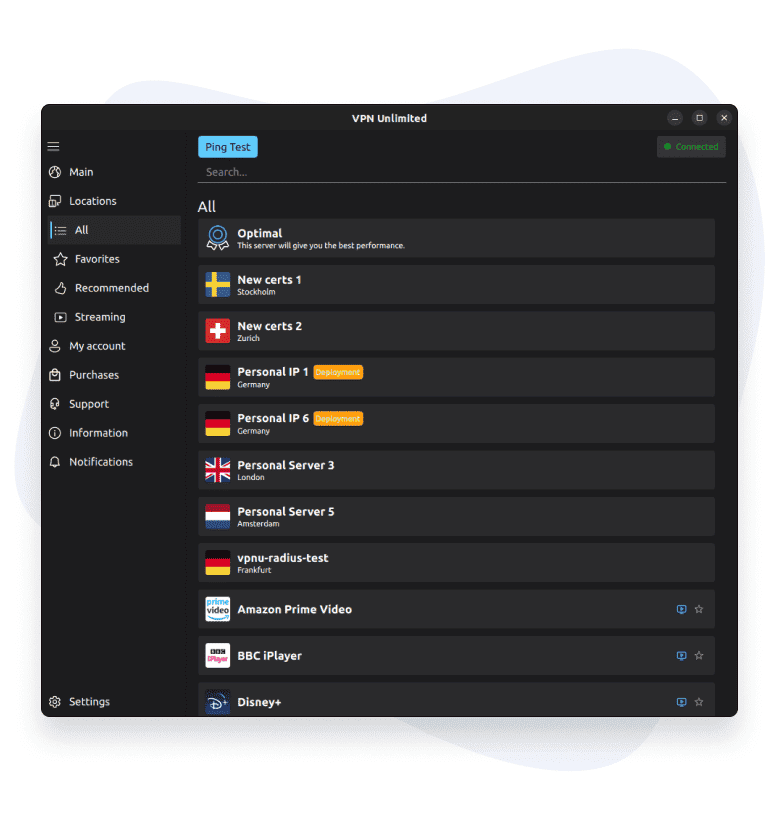
Select VPN server that provides you with the best performance
Thanks to the Optimal server or the Ping test features of our VPN for Linux, you can easily connect to the server location that will work best for your current conditions.
Add favorite locations and connect to them in a few clicks
VPN Unlimited offers you a big list of servers in 80+ countries of the world so you can create your own list of favorites for quick access to them.
How to Set Up VPN Unlimited for Linux
Download and install the app
Choose a server
Enjoy secure browsing
Find detailed instructions on how to install the VPN Unlimited app on the Help - Manuals page. If you need any help, please check our FAQ or contact our Support team - real people will answer your questions, not AI.
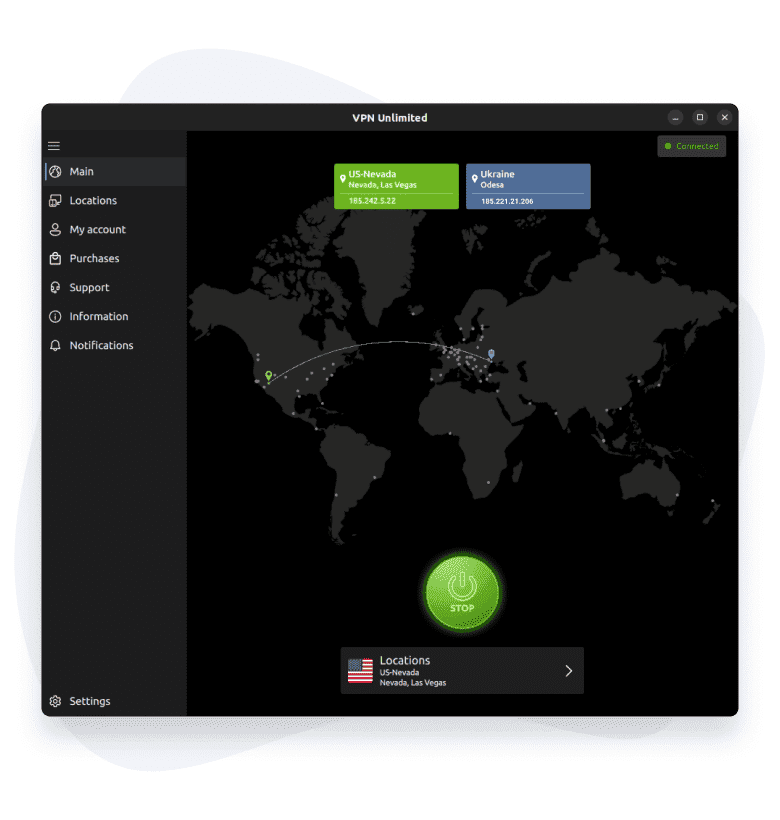
Download Best Linux VPN Client and Benefit from its Premium Features
Don’t let cyber criminals steal your identity
Our secure AES-256 encryption ensures that no unauthorized third party can access the private messages, photos, and credentials you send online from your Linux device.
Browse with the lightning-fast connection speed
Thanks to our large list of VPN servers, you can always choose one that gives you a fast connection on your Linux device.
Stay protected on public Wi-Fi
Our VPN for Linux encrypts your traffic on public Wi-Fi in cafes, airports and hotels, so no one on the network can intercept your passwords, messages or payment details.
Why Use VPN for Linux by KeepSolid
VPN Unlimited protects you from eavesdroppers who try to track your online activity or steal your personal data. Download the VPN Unlimited app on your Linux computer and keep your web browsing safe and private.
When VPN Unlimited is enabled on your Linux device, your traffic is encrypted and protected from hackers. VPN Unlimited offers fast, reliable connections through servers worldwide – all with 24/7 support and a 30-day money-back guarantee. Download the app and experience our Linux VPN benefits:
- Complete security
- Uncompromised speed
- Strict no-logs policy
- Protection on public Wi-Fi
What Makes VPN Unlimited the Best Ubuntu VPN Client
Protect your online activity with VPN for Ubuntu
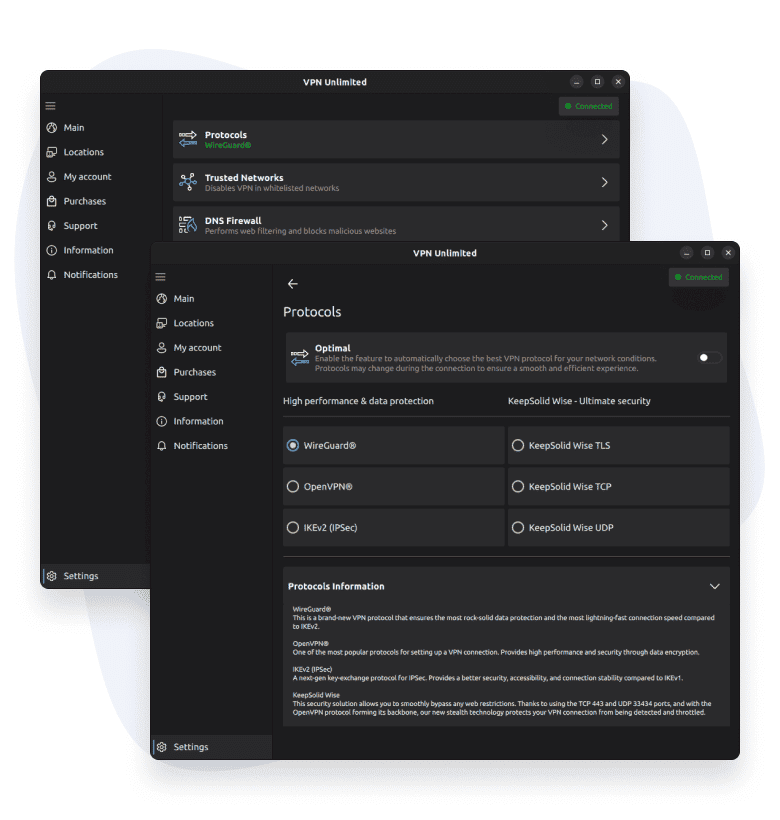
To encrypt your online traffic and reliably protect online data on your Linux device, we’ve implemented the most secure VPN protocols and encryption methods.
Compatibility of VPN Unlimited with Ubuntu on Linux
Our team regularly updates our Linux VPN client application to ensure it supports the latest operating system and provides you with unmatched performance.
Experience easy-to-use interface of VPN Unlimited
Our Ubuntu VPN client has the most intuitive interface that you’ve ever tried, so there definitely will be no difficulties in using the app.
Top 6 Features of Linux VPN Client

256-bit Data Encryption
To protect your personal information from hackers, snoopers, and trackers, we use the strongest encryption level in the industry.

KeepSolid Wise technology
For added privacy and a more stable connection, try an extra layer of encryption with KeepSolid Wise.

3000+ Servers in 80+ Locations
A reliable, fast connection through 3000+ servers in 80+ locations.

Unlimited Devices
With just one subscription, you can protect unlimited devices. Enjoy full VPN protection on your laptop, tablet, smartphone, or PC.

Ultimate Speed & No Data Limit
No speed throttling and no data caps – enjoy top speed and performance on your Linux device.

Additional services
Protect your online activities with our extra features, like a Lifetime VPN plan, a Personal Server/IP option, and the possibility to set up VPN on a router.
FAQ on Using VPN application on Linux
How to Try VPN Unlimited on Linux for Free
For users who would like to try our application before getting a paid subscription, we offer a free trial period. If you’ve been looking for a reliable VPN for Ubuntu, VPN Unlimited lets you test all premium features during our 7-day free trial.
Top 5 VPN features to try with our Linux VPN client for free:
- 3000+ servers in 80+ locations
- Optimal server
- Ping test
- Optimal protocol
- Favorite locations
Download VPN Unlimited and start your free 7-day trial of our VPN software for Ubuntu today!
Stay Private and Secure on All Your Devices
Start your secure and private online journey today! Download VPN Unlimited on all your devices and enjoy complete data security.




 7-day free trial
 30-day money-back guarantee