
The easiest way is through Flathub - click GET IT ON Flathub and open the app from your Steam Deck's application menu.
Get VPN for Linux PC or Laptop
VPN Unlimited is available as a Flatpak for most Linux distros.
Benefits
- WireGuard Protocol - No Kernel Module Required
- Servers in 80+ Locations
- Works in Desktop Mode and Game Mode
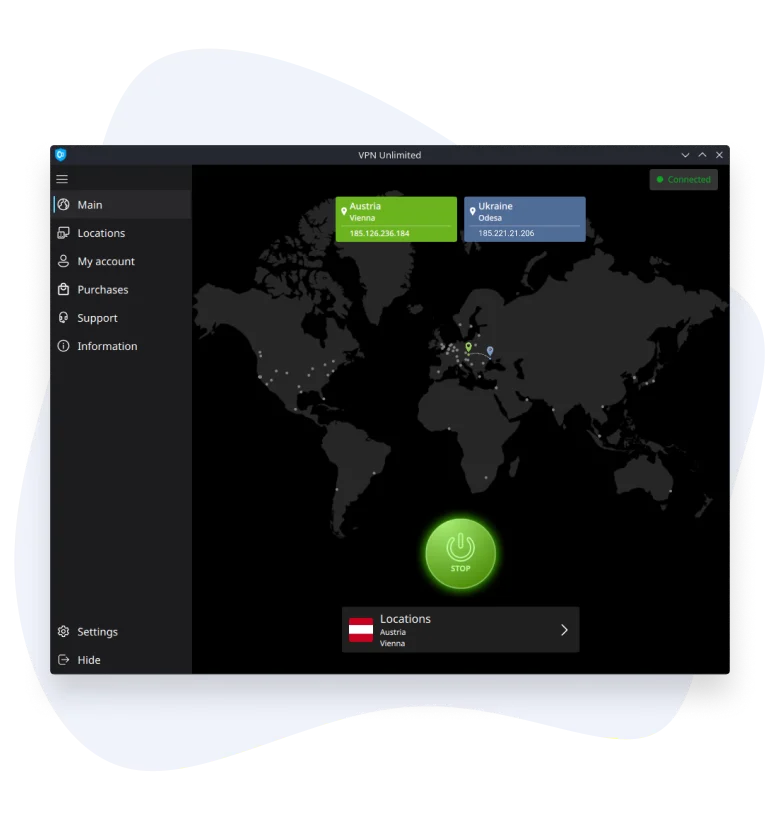
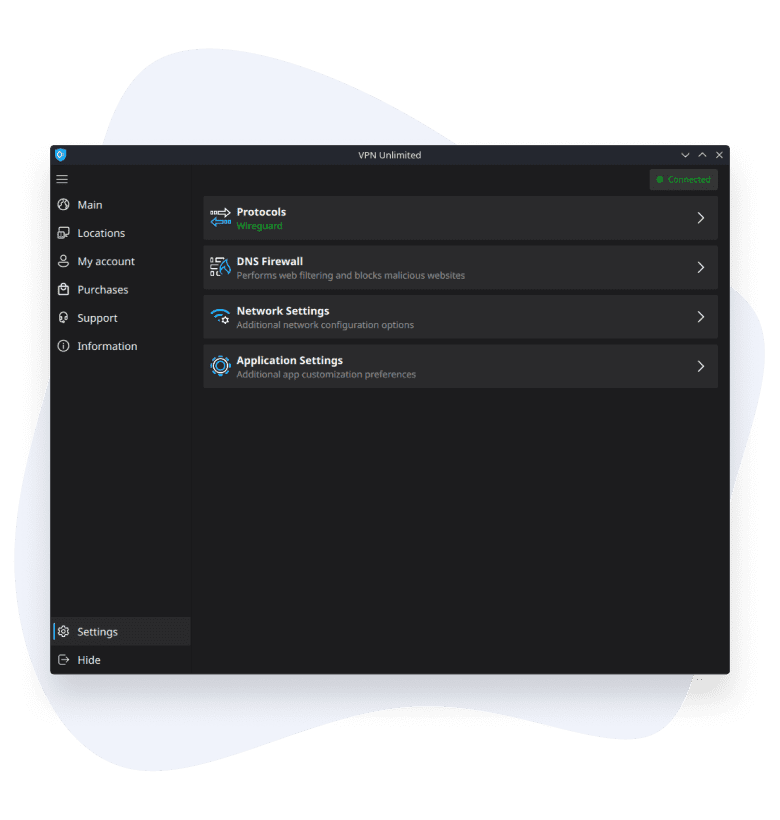
How VPN Unlimited behaves on Steam Deck
No kernel module needed
The app hooks into NetworkManager - the same service your system already uses for Wi-Fi and Ethernet - and runs the tunnel over WireGuard. Nothing gets installed at the system level, and nothing is left behind if you remove the app.
Nothing logged, DNS is yours to set
VPN Unlimited doesn't log your activity, and you can set your own DNS instead of relying on the default.
The tunnel doesn't care which mode you're in
Switching between Desktop Mode and Game Mode closes running apps, but not the VPN connection - it lives at the network level, not inside the app window. Open VPN Unlimited again in either mode and it just shows Connected.
How to Get VPN Unlimited on Steam Deck
Install VPN Unlimited from Flathub
Sign in and connect to a server
Browse and play securely
VPN Unlimited is available as a Flatpak for most Linux distros.
To learn how to install VPN Unlimited without Flathub, please refer to our Manuals. Choose Steam Deck as your platform and follow the steps in the guide. If you need any help, please contact our Support team - real people will answer your questions, not AI.
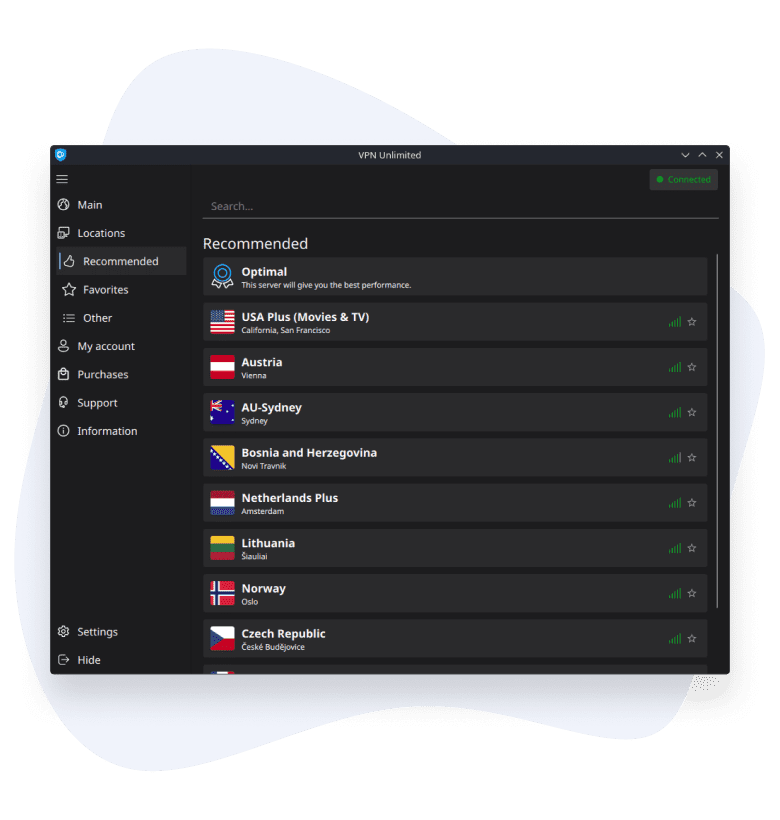
No traffic caps, no exposed IP address
No traffic or speed limits
VPN Unlimited doesn't cap your traffic or throttle your connection.
Your real IP stays hidden
VPN Unlimited hides your real IP address and lets you choose where your traffic leaves the internet - so sites and services see the server you picked, not your own connection.
Extra options if you need them
Want a dedicated IP that's yours alone? VPN Unlimited offers a personal VPN server as a separate purchase. And if something's not working, support is reachable straight from the app or the website, any time.
FAQ on Using VPN Unlimited on Steam Deck
Get VPN App for Other Platforms
VPN Unlimited is also available on Windows, macOS, Android, and iOS.



 7-day free trial
 30-day money-back guarantee